Affiliate disclosure: Setupedia is an independent paid affiliate of HighLevel. If you sign up through a link on this page we may earn a commission at no extra cost to you. Pricing figures below were researched in August 2026 and are indicative — usage rates vary by route, carrier and region. Always confirm current rates inside your own account under Settings → Company Billing.
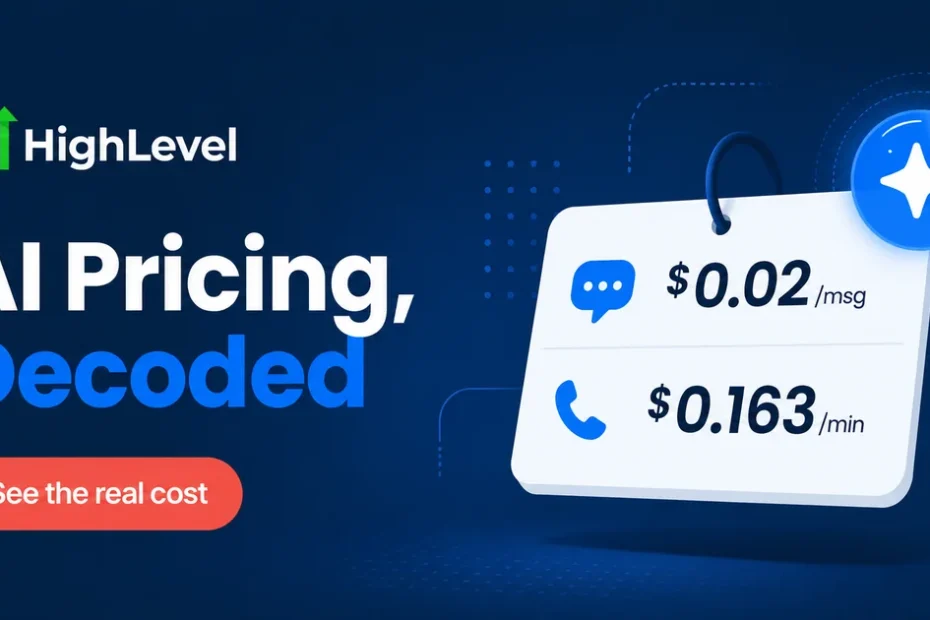
Short answer: the AI features inside GoHighLevel Unlimited are not included in the $297/month plan — they are usage-based add-ons billed from a separate wallet. In August 2026 the going rates are roughly $0.02 per Conversation AI message, ~$0.163 per minute of Voice AI and $0.08 per Reviews AI response. The plan gets you access; the wallet pays for every interaction.
That distinction is where most agency owners get surprised by their first bill. Below is the actual arithmetic, what drives it up, and when the AI stack is worth turning on at all.
What the $297 Unlimited plan actually includes
Unlimited gives you unlimited sub-accounts, the full CRM, funnels, calendars, workflows and API access. What it does not give you is free AI usage. HighLevel treats AI the same way it treats SMS and email: the platform fee buys the software, and a prepaid wallet covers consumption.
| AI feature | What it does | Indicative 2026 rate |
|---|---|---|
| Conversation AI | Replies to inbound SMS/chat conversations automatically | ~$0.02 per message |
| Voice AI | Answers and qualifies inbound phone calls | ~$0.163 per minute (voice engine + LLM tokens) |
| Reviews AI | Drafts and posts responses to reviews | ~$0.08 per automated response |
| Content AI | Generates copy for emails, funnels and social | Credit-based, varies by output length |
These are researched indicative figures, not a published rate card. HighLevel adjusts them and they differ by region — the authoritative number for your account is in Settings → Company Billing.
💡 See the AI stack before you commit
HighLevel gives you 30 days with every feature unlocked, including the AI tools. Turn them on, run a week of real conversations, then read your own wallet.
The real monthly cost, modelled on actual volume
Rates per message mean nothing without volume. Here is a small agency running Conversation AI on three client sub-accounts:
| Scenario | Monthly AI volume | AI cost | Plan | Total |
|---|---|---|---|---|
| Light — 1 sub-account, slow inbound | 500 AI messages | $10 | $297 | $307 |
| Typical — 3 sub-accounts, steady leads | 3,000 AI messages | $60 | $297 | $357 |
| Heavy — 3 sub-accounts + Voice AI | 6,000 messages + 400 min voice | $120 + $65 = $185 | $297 | $482 |
| Very heavy — 10 sub-accounts, voice-first | 15,000 messages + 1,500 min | $300 + $245 = $545 | $297 | $842 |
The pattern is clear: AI usage is negligible until you cross roughly 3,000 messages a month, and then it scales linearly and fast. At the heavy end the AI bill exceeds the platform fee.
Voice AI is the line item that gets people
At ~$0.163 per minute, Voice AI is roughly eight times the cost of a plain outbound call minute ($0.014). A single three-minute qualification call costs about $0.49. That is fine at 50 calls a month ($24) and painful at 2,000 calls a month ($978).
Before switching Voice AI on across every sub-account, work out your cost per booked appointment. If Voice AI turns 15% of inbound calls into appointments, each appointment carries roughly $3.30 of AI cost at three minutes a call. Whether that is cheap depends entirely on what an appointment is worth to that client.
Where the wallet drains without you noticing
- Auto-recharge. The wallet tops itself up when it drops below a threshold. Left at default it will refill silently all month.
- Retries and loops. A misconfigured workflow that re-triggers Conversation AI on the same contact bills every attempt.
- Testing. Every message you send while building a bot is billed at the same rate as a real one.
- AI on top of SMS. A Conversation AI reply sent over SMS costs the AI message plus the SMS segment plus carrier fees. You pay twice for the same message.
That last point is the one worth internalising: AI over SMS is roughly $0.02 + $0.013–0.018, so about $0.035 per outbound reply once carrier fees land.
🎓 Get 30 days plus a live walkthrough
HighLevel runs a free bootcamp that includes a personal onboarding session and the extended 30-day trial. If you are evaluating the AI stack, having someone walk you through the configuration is worth more than another comparison article.
When Unlimited AI is NOT worth turning on
Being honest about this saves you money:
- You have fewer than 100 inbound conversations a month. Answer them yourself. The AI cost is trivial but the configuration time is not.
- Your leads need genuine expertise. Conversation AI handles scheduling and qualification well. It handles nuanced technical or clinical questions badly, and a bad answer costs more than a slow one.
- You cannot rebill it. On Unlimited ($297) you absorb AI cost yourself. Rebilling to clients requires SaaS Mode, which starts on the $497 SaaS Pro plan. If AI usage is material, the higher plan can be cheaper.
- You are still on Starter. Fix your fundamentals first.
The break-even that actually matters
If your AI usage is heading past roughly $200/month, run the numbers on Unlimited vs SaaS Pro. The $200 difference between the plans buys you the ability to mark that usage up and bill it to clients — at a typical 2–4× markup, $200 of AI cost becomes $400–800 of client revenue instead of a cost line.
The mechanics of that markup are covered in GoHighLevel rebilling: how to set your own markup, and the full picture of what usage adds to your bill is in the hidden costs of GoHighLevel.
Bottom line
Budget the $297 plan fee plus $30–150/month of AI wallet for a normal three-to-five client agency in 2026. Treat anything above that as a signal to move to SaaS Pro and rebill. And check your wallet weekly for the first month — the auto-recharge default is designed to be invisible, which is exactly the problem.
⚡ Test it with your own numbers
Rates and modelled scenarios only get you so far. Turn on the AI features during the 30-day trial, run your real volume through them, and read the wallet. That number is the only one that matters.