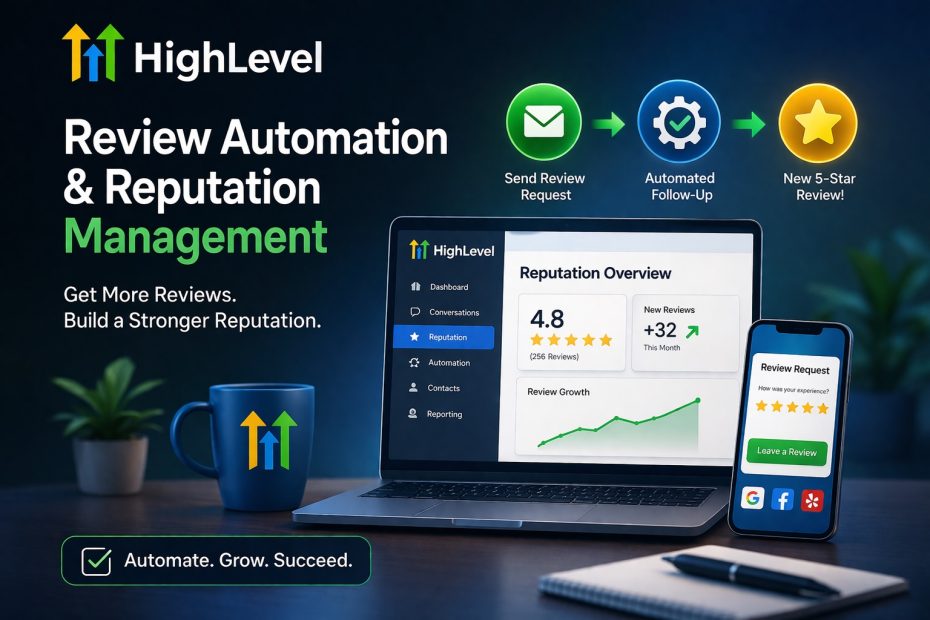
If you are researching Go High Level review automation and reputation management, the main value is that HighLevel brings review collection, review response, monitoring, and local visibility tools into one system. HighLevel’s reputation tools are built around sending review requests, managing incoming feedback, monitoring reputation metrics, and improving online presence through listings and related features.
That makes the platform especially appealing for agencies, local businesses, and service companies that want something more complete than a basic review request tool. Instead of using one system for CRM, another for automation, and another for reputation monitoring, GoHighLevel keeps these pieces much closer together inside the same account.
How HighLevel Review Automation Works
A big part of the system is automated review requests. HighLevel’s support docs explain that you can send review requests manually from the Reputation tab, or automate them inside workflows using the Send Review Request action. Review requests can be customized for email and SMS, including timing, repeat intervals, and maximum retries.
Go HighLevel also supports more than just one review request channel. Official docs show that businesses can send review requests through SMS, email, and WhatsApp, and the newer multi-channel request flow lets users combine channels in a more flexible way. That is useful because different customers respond to different communication methods, and better delivery usually means better review volume.
GHL Review Automation With AI
This is where the platform becomes more interesting. HighLevel’s Reviews AI can help automate responses to reviews using suggestive modes or full auto-pilot modes, and newer features like Reviews AI Agents let users shape response tone, sentiment behavior, and brand style. HighLevel has also added Drip Mode for replying to historical review backlogs more gradually, plus AI-powered review summaries that surface sentiment and recurring themes.
Go High Level Reputation Management Dashboard
For day-to-day use, the Reputation Overview Dashboard matters a lot. HighLevel’s official documentation describes a dedicated Reputation overview area inside sub-accounts, plus a Reviews tab where users can filter and respond to reviews. In practice, that means you are not only sending review requests, but also tracking what is happening after they go out.
High Level also allows businesses to connect and monitor reviews from multiple platforms. Its official help docs specifically mention integrations for platforms such as Google, Yelp, and Trustpilot, which makes the system more useful for brands that already receive feedback across more than one site. HighLevel now also supports manual reviews, including individual additions and CSV imports, so offline feedback can still be displayed alongside platform-based reviews.
Online Listings and Local Reputation
Reputation management in HighLevel is not only about replying to reviews. Its Listings feature is designed to keep business information consistent across directories and improve local SEO visibility. High Level says Listings can publish and manage business info across 70+ websites, and it positions the feature as both a local SEO tool and a resellable add-on for agencies.
Final Verdict on High Level Review Automation
Overall, GoHighLevel does a strong job here because it combines review requests, AI-assisted responses, review monitoring, multi-platform management, and listings inside one ecosystem. For agencies and local businesses, that can save time and make follow-up more consistent while still giving you room to personalize how reputation workflows run.
If you are interested in other GoHighLevel related blog posts click here.
I am a paid affiliate of HighLevel, and I earn commissions when you make a purchase through this link.