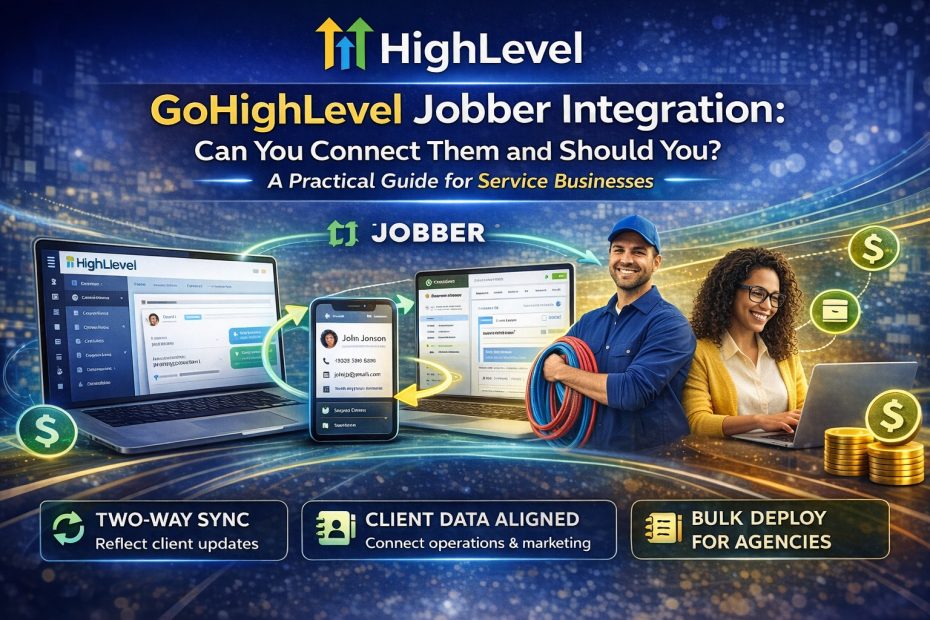
Yes, you can. HighLevel now has an official Jobber integration that connects Jobber with HighLevel so client and contact data can stay synchronized between the two platforms. GHL describes it as a way to keep field-service operations in Jobber aligned with sales and marketing inside GoHighLevel, with two-way sync, historic imports, bulk deployment for agencies, and an included snapshot to help teams launch faster.
That is important because it means this is no longer just a workaround through third-party automations. There is now a native HighLevel-side setup in the App Marketplace, which is especially useful for agencies serving home-service or field-service clients that already run jobs in Jobber but want stronger CRM, funnels, follow-up, and automations in High Level.
Go High Level Jobber Integration: What Actually Syncs?
The current integration is centered on client and contact sync, not full operational syncing of everything inside Jobber. HighLevel’s support docs say the synced fields include first name, last name, email, phone number, address, lead source, Jobber client URL, Jobber created date, and tags. HighLevel also says the system uses the Jobber client ID for reliable matching, which helps prevent duplicate records even when an email address or phone number changes later.
Historic Import, Live Sync, and Snapshot Setup
One of the strongest parts of the integration is that it supports both historic import and ongoing live sync. During setup, you choose a start date for the one-time historical import, and after that, new client data continues syncing automatically. HighLevel also includes a built-in snapshot with prebuilt workflows and message templates, which makes the setup more appealing for agencies that want repeatability across multiple accounts.
Should You Connect Jobber and HighLevel?
For many service businesses, the answer is yes. If Jobber is where you run jobs and scheduling, and HighLevel is where you want better lead capture, pipeline management, nurturing, reviews, and marketing automation, the integration creates a cleaner handoff between operations and growth. HighLevel’s own product notes frame it as a way to move leads into Jobber while reflecting Jobber-side client updates back into HighLevel for more personalized marketing. That makes the pairing especially sensible for businesses like plumbers, landscapers, and other service pros, as well as agencies managing multiple service-business clients.
When the Jobber High Level Integration May Not Be Enough
There are still limits, and they matter. HighLevel says custom fields in Jobber, notes, and attachments do not sync. It also says a single Jobber account can connect to only one GoHighLevel sub-account, the historical sync date can only be set once, sync logs are not currently available, and the two-way sync cannot simply be paused without disconnecting the app. Based on those limits, this integration is best when your priority is client/contact alignment, not deep synchronization of every operational detail inside Jobber.
GHL Jobber Integration for Agencies
This setup is particularly attractive for agencies because the Jobber app can be installed at the agency level and then bulk deployed across selected sub-accounts. That reduces repetitive setup work and makes it easier to standardize onboarding for service-business clients. Since the integration also ships with a snapshot, it fits well with HighLevel’s broader agency model of reusable workflows, templated assets, and faster client rollout.
Final Verdict on High Level Jobber Integration
Overall, GoHighLevel Jobber Integration looks like a strong and practical connection for service businesses that want Jobber for operational execution and HighLevel for growth, communication, and automation. It will not replace every custom workflow or every deep ops sync, but for keeping client data aligned and reducing duplicate entry, it is a meaningful improvement. And if you want to explore Go High Level itself, you can get the exclusive 30-day free trial. Read more GHL stories by clicking here.