Affiliate disclosure: I am a paid HighLevel affiliate. Some links in this article are affiliate links, and I may earn a commission if you sign up through them, at no extra cost to you. Commission terms are described as published at the time of writing — always confirm the current terms inside your affiliate dashboard.
Short answer: your GoHighLevel affiliate link is any HighLevel URL with your personal referral ID appended as ?fp_ref=yourid. You get the ID the moment your affiliate account is approved, and you can attach it to the homepage, the pricing page or the free-trial page. There is no separate coupon or “affiliate code” — the referral ID is the code.
Don’t have an affiliate link yet?
Joining the HighLevel affiliate program is free. Approval gives you your referral ID and access to the dashboard.
This guide covers where to find the link, how to build variations for different pages, how to track which article or video actually produced each sale, and the mistakes that silently lose you commissions.
What a GoHighLevel affiliate link looks like
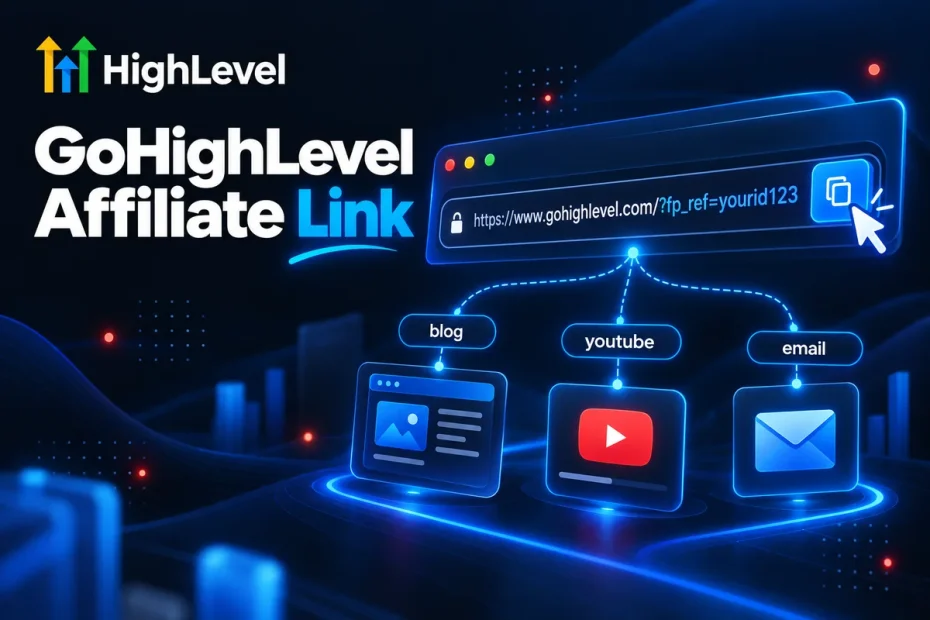
HighLevel runs its affiliate program on FirstPromoter, a referral-tracking platform. Every affiliate gets a short referral ID, and FirstPromoter recognises it through the fp_ref parameter. A typical link looks like this:
https://www.gohighlevel.com/?fp_ref=youridWhen someone clicks it, a tracking cookie is stored in their browser. If they start a trial and later become a paying customer, the subscription is credited to you — and you earn 40% of it every month for as long as they stay, as explained in the commission breakdown.
Where to find your link in the dashboard
- Log in to the affiliate portal at affiliate.gohighlevel.com.
- On the dashboard home you will see your default referral link with a copy button.
- Look for the links / sub-ID section to create variations pointing to other pages.
- Your referral ID is the value after
fp_ref=. Save it: you will reuse it to build every link by hand.
Building links to different pages
You are not limited to the homepage. Append ?fp_ref=yourid to any page on the HighLevel site and the referral is still tracked. The page you send people to matters more than most affiliates realise:
| Destination | Best for | Why |
|---|---|---|
| Free-trial / sign-up page | Bottom-of-funnel content (pricing, “free trial”, reviews) | The visitor already decided — remove every extra click |
| Pricing page | Comparison and “is it worth it” articles | Lets them pick a plan, which raises average commission |
| Homepage | Awareness content, social bios | Explains the product to people who barely know it |
| Feature pages | Tutorials about one feature | Matches the intent of the content |
A practical tip from running these links for two years: always open your link in an incognito window and check that fp_ref is still in the address bar after every redirect. Some HighLevel landing pages redirect to other URLs, and if a redirect drops the parameter — or a page carries another affiliate’s ID — the sale is not yours. Test every destination once before you put it in front of traffic.
Track every placement with sub-IDs
If you publish more than a handful of links, add a sub-ID with the fp_sid parameter:
https://www.gohighlevel.com/?fp_ref=yourid&fp_sid=youtube_pricing_videoThe sub-ID shows up next to each referral in your dashboard, so you know exactly which blog post, video or ad produced the customer. Without it, all you see is “a referral came in” — and you end up doubling down on the wrong content.
- Use one sub-ID per article or video (for example
blog_pricing-2026). - Prefix by channel:
yt_,blog_,email_,ads_. - Keep them short, lowercase and without spaces.
Get your referral ID today
Sign up for free, get approved, and start building tracked links for every piece of content you publish.
Where to use your affiliate link
- Blog articles answering buying questions — pricing, free trials, comparisons. They convert for years.
- YouTube descriptions and pinned comments under tutorials.
- Your email signature and newsletter if you work with agencies.
- Resource pages listing the tools you use.
- Paid ads — only after reading the program’s rules on ads and trademark bidding, and always with a dedicated sub-ID.
Common mistakes that lose commissions
- Shortening links with services that strip parameters. Test the final URL after shortening.
- Linking to a page that redirects without the parameter. The incognito test catches this.
- Using one link for everything. You lose all data on what works.
- Hiding that it is an affiliate link. Disclose clearly; it is required by the FTC and readers trust it more.
- Never logging into the dashboard. Payouts need your Tipalti details — see how payouts work.
Frequently asked questions
Is there a GoHighLevel affiliate code or coupon?
No separate coupon. Your referral ID in the fp_ref parameter works as your code. Offers such as the extended trial are delivered through the link itself.
Can I link to any GoHighLevel page?
Yes. Append your fp_ref parameter to any page on the HighLevel site, then test that it survives redirects.
Do I need to be a HighLevel customer to get a link?
No paid account is required to join the affiliate program, although using the product makes your content far more convincing.
How do I know which link made a sale?
Add a different fp_sid sub-ID to every placement. The dashboard reports referrals by sub-ID.
The bottom line
Your affiliate link is just your referral ID on the right page. The affiliates who earn the most are not the ones with the cleverest links — they send each visitor to the page that matches their intent, and they track every placement so they know what to do more of. New to the program? Start with the program overview.
Start earning 40% recurring
Free to join. Get your link, add sub-IDs, and publish your first tracked piece of content this week.